
Last updated October 30, 2026
 Wrought iron
 Wood & steel frame
 Farm & ranch
 Sliding driveway gates
 LiftMaster operators
Free on-site gate assessment - hinges, posts, and your LiftMaster or Nice gate operator checked before anything is quoted
The assessment is free and the quote is the invoice.
Get your free estimateDIY vs Professional Gate Repair: The Ontario Homeowner’s Decision Guide
Here’s something most gate repair guides won’t tell you: the biggest cost of a DIY gate repair in Ontario, California isn’t the parts you buy at the hardware store. It’s the liability you assume when you alter an automated gate system that doesn’t meet UL 325 entrapment standards, and the hours you’ll burn troubleshooting a control board with a multimeter that can’t read the signals a professional’s diagnostic tools see in seconds. This guide walks through exactly where the line sits between what an Ontario homeowner can safely and legally handle versus what belongs in the hands of a gate repair specialist. You’ll learn which repairs are genuinely owner-serviceable, which ones cross into licensed contractor territory under California law, and what a professional technician carries that makes the difference between a 20-minute fix and a weekend-long frustration.
Quick Answer
DIY gate repair makes sense for cosmetic fixes, lubrication, remote programming, and manual release operation during Ontario power outages. But electrical work on operators, control boards, and entrapment protection wiring crosses into C-10 licensed contractor territory under California law, and those repairs should go to a gate specialist like Ontario Gate Company home.
Styles & brands we work with
Table of Contents
- What an Ontario Homeowner Can Legally and Safely Do Themselves
- Tasks That Cross Into Licensed Contractor Territory in California
- The Tool Reality Check: Why a 20-Minute Professional Job Takes a DIYer 3 Hours
- The Liability Math on DIY Entrapment System Work
- When DIY Makes Unambiguous Sense
- What We See Go Wrong With Ghost Controls, DoorKing, and Mighty Mule Systems
- Common Mistakes to Avoid
- When to Call a Professional
What an Ontario Homeowner Can Legally and Safely Do Themselves
Let’s start with what’s actually on the table. California law doesn’t require a license for every single maintenance task on a gate. Several owner-serviceable items sit squarely within your rights as a homeowner, and handling them yourself saves you a service call without putting you on the wrong side of code compliance.
Here’s the specific list of gate tasks an Ontario homeowner can handle without a contractor’s license:
- Lubrication: Applying the right lubricant to hinges, chain drives, and slide tracks. In Ontario’s dry, dusty climate, this matters more than in coastal areas because fine grit accumulates on unlubricated metal surfaces and accelerates wear. Use a dry silicone or lithium spray rather than WD-40, which attracts dust.
- Remote programming: Adding or reprogramming a remote control on most residential operators is a homeowner-level task. Your Ghost Controls or Mighty Mule manual walks you through the learn-button sequence. No license required, no code implications.
- Minor limit switch adjustment: If your gate stops short or overshoots its closed position, the limit switches usually need a small mechanical adjustment. This is a set-screw or dial adjustment on most residential and light commercial operators. You’re not opening the electrical housing; you’re adjusting a mechanical stop.
- Visual sensor alignment: Photo-eye sensors can drift out of alignment, especially on gates that get bumped. If the sensor lenses appear clean but the gate reverses when nothing is in the path, a homeowner can adjust the mounting brackets until the alignment light comes back on. This is visual inspection and bracket adjustment, not rewiring.
- Manual release operation: Every automated gate has a manual release mechanism. Knowing how to disengage it during an Ontario power outage, which happens more often than people expect during Santa Ana wind events, keeps your gate usable even when the operator is dead.
The common thread here is mechanical, non-electrical work that doesn’t alter the safety circuit. If you can do it without opening the operator enclosure and without touching wiring, you’re generally in safe legal territory.
Tasks That Cross Into Licensed Contractor Territory in California
Now the other side of the line, and it’s a hard line. California Business and Professions Code requires a C-10 electrical contractor license for any work on electrical systems over 50 volts. Most gate operators run on 120V or 240V AC input, which puts their power wiring, transformer connections, and control board replacements squarely in licensed territory.
Here’s what you cannot legally do yourself, regardless of how capable you are:
- Replacing or rewiring the control board: This is the brain of your electric gate repair system. It involves line-voltage connections, low-voltage logic circuits, and programming that varies by brand. A DoorKing board replacement isn’t a swap-and-go job; it requires matching dip-switch settings, safety input configuration, and sometimes firmware alignment.
- Entrapment protection wiring: UL 325 compliance isn’t optional. The photo eyes, edge sensors, and contact sensors form a safety circuit that must be tested and verified after any change. If a gate hurts someone because the entrapment circuit was modified by an unlicensed person, the liability lands on the homeowner.
- Operator motor replacement: A 120V motor swap involves capacitor discharge, wiring termination, and torque settings. It’s electrical work, and it’s dangerous electrical work when done wrong.
- Loop detector installation or replacement: In-ground induction loops for vehicle detection involve cutting asphalt, pulling wire, and tuning a detector module. It’s not just electrical; it’s civil work combined with radio-frequency calibration.
- Any work on a commercial-grade operator: Commercial slide operators from Elite or DoorKing carry three-phase power in many installations. That’s not DIY territory under any circumstance.
Some Ontario homeowners push back on this and say, “I’ve wired outlets before.” A gate operator isn’t an outlet. It has inductive loads, capacitor banks, reversing logic, and a safety circuit that must fail safe, not fail open. The risk profile is completely different.
The Tool Reality Check: Why a 20-Minute Professional Job Takes a DIYer 3 Hours
Let’s talk about what a gate technician actually carries in the truck, because this is where the DIY-versus-professional math gets honest. The reason a professional can diagnose a gate problem in 20 minutes isn’t because they’re smarter. It’s because they have tools that compress diagnostic time from hours to minutes.
Here’s what a Ontario gate specialist shows up with that a typical homeowner doesn’t have:
- Loop detector tester: A handheld device that reads the induction field from an in-ground loop. It tells the technician in seconds whether a loop is dead, out of tune, or functioning. A DIYer without this tool is left guessing between the loop, the detector card, and the operator input.
- Board-level diagnostic programmer: For brands like DoorKing and Elite, the control board stores error codes and event logs. A technician can pull those codes and read the fault history. A DIYer sees a blinking LED and has to reverse-engineer the pattern against a wiring diagram.
- Multi-brand remotes and receivers on the truck: When a receiver fails on a Ghost Controls system, the technician likely has a compatible receiver on the vehicle, along with remotes for eight other brands. The homeowner orders the part and waits three to five business days.
- Force gauge for entrapment testing: UL 325 compliance requires measuring the actual closing force in pounds. This isn’t a “press your hand against it and see” test. It’s a calibrated instrument test, and it’s required after any operator adjustment or component replacement.
- Capacitor discharge tool and category-III multimeter: Gate operators hold a capacitor charge that can injure you even after the power is off. A technician drains the capacitor safely and tests with a meter rated for line-voltage work. A homeowner using a hardware-store multimeter is taking an unnecessary risk.
In our experience, the most common DIY frustration we see in Ontario is someone who replaced a battery, a remote, or a limit switch, and the gate still doesn’t work because the actual fault was in a relay on the control board, not in the component they replaced. They spend hours swapping parts by guesswork. We diagnose it on-site in minutes because the board tells us what’s wrong.
The Liability Math on DIY Entrapment System Work
This section is the one most DIY guides skip, and it’s the one that matters most if something goes wrong. UL 325 is a safety standard for automated gate operators, and California incorporates it into building code. When you modify an entrapment protection system, you’re taking legal responsibility for ensuring that system still meets the standard.
Here’s the liability math in plain terms:
- If you add a gate, replace an operator, or rewire a safety sensor, you’re the party responsible for that system’s UL 325 compliance. That means closing force, reversing sensitivity, and sensor coverage all have to meet the standard.
- If someone is injured by your gate and a post-incident inspection finds a non-compliant modification, the liability is not hypothetical. Homeowner’s insurance may deny coverage if the work was done without a permit or by an unlicensed person in a situation where a license was required.
- Photographic or documentation trail matters. If you posted a YouTube video of your repair, or if the modification is visible in a photo, that’s discoverable. It’s not a stretch to say that the documentation of a non-compliant DIY repair becomes exhibit A in a liability suit.
- California’s comparative negligence structure means you may still bear a portion of fault even if a trespassing child climbed over the gate. The standard is whether the gate was reasonably safe for foreseeable use.
None of this is meant to scare you out of maintaining your own gate. It’s meant to draw the line accurately. Lubricating a hinge and replacing a remote battery have zero liability exposure. Rewiring a safety circuit does.
When DIY Makes Unambiguous Sense
We’re a gate repair company in Ontario, and we’ll be the first to tell you: not every gate problem needs a service call. There are five situations where doing it yourself is clearly the right call, and sending a technician would be overkill.
1. Cosmetic repairs. Sanding surface rust off a steel gate, repainting, replacing a missing cap on a post, tightening loose fence pickets. None of this affects the operator, the safety circuit, or the code compliance of the system. In Ontario’s dry climate, surface rust on steel gates is common, and staying ahead of it is good ownership.
2. Basic lubrication. A squeaking hinge or a chain that’s dry enough to chatter is a 10-minute job with a can of lithium spray. The rule of thumb: if the gate is still moving freely and quietly after lubrication, you’ve fixed it. If it’s still binding or grinding, stop and call before you wear out the motor fighting a mechanical problem.
3. Remote battery replacement. This one’s obvious, but it’s worth stating because it’s the most common “repair” call we get. If your remote’s LED is dim or doesn’t light, swap the battery before calling anyone. A CR2032 costs three dollars at any Ontario hardware store.
4. Manual release operation. Every homeowner with an automated gate should know where the manual release is and how to use it. When an Ontario power outage hits, or when a Santa Ana wind event knocks out a transformer, the gate isn’t going to open on its own. The manual release lets you operate the gate by hand until power returns.
5. Visual inspection of photo eyes. If your gate reverses for no reason, take 30 seconds to look at the photo-eye lenses. A layer of Ontario dust can block the beam and trigger the safety reverse. A soft cloth and a quick recheck of the alignment light is a legitimate DIY fix.
The pattern: mechanical, visible, and disconnected from the electrical system. That’s the safe DIY zone.
What We See Go Wrong With Ghost Controls, DoorKing, and Mighty Mule Systems
Because we specialize exclusively in gates, we see patterns in how specific brands fail in the Ontario climate. This section is the “things we’ve seen” knowledge that doesn’t appear in any owner’s manual.
Ghost Controls residential swing operators: The most common Ontario-specific failure we see is dust intrusion into the control board housing. Ghost Controls boards are well-sealed, but the battery backup terminals occasionally corrode after the battery sits discharged through a hot Ontario summer. The symptom is a gate that works on AC power but loses all memory settings when the power blinks. If you’re seeing a Ghost Controls operator that resets to factory every time Santa Ana winds knock out power, the board may need replacement. That’s a C-10 electrical job, not a battery swap.
DoorKing commercial slide operators: DoorKing builds commercial-grade equipment that gets used on apartment complexes across Ontario, and the failure we see most often is limit switch wear on high-cycle gates. A gate that cycles 100 times a day wears out mechanical limit switches faster than the motor. The symptom is a gate that stops at slightly different positions each cycle, or one that slams into the end stop on occasion. The limit switch replacement is a moderately involved job because the switch must be calibrated to the operator’s stopping torque, and getting it wrong causes premature gearbox wear.
Mighty Mule residential operators: Mighty Mule is a popular DIY-friendly operator brand, and we see two recurring issues. First, the plastic gear in the actuator arm strips after a few years of Ontario’s temperature swings, especially on gates that are slightly misaligned. Second, the included remote receiver occasionally fails without warning, and the homeowner replaces three remotes before realizing the problem is the receiver, not the remotes. A brand-specific diagnostic step for Mighty Mule: if the operator beeps when you press the remote but the gate doesn’t move, the receiver is fine and the problem is in the motor or the controller. If there’s no beep, the receiver is the suspect.
Common Mistakes to Avoid
- Using WD-40 on gate hinges and chains. WD-40 is a water displacer, not a lubricant. It cleans off existing lubricant and attracts Ontario dust, which turns into an abrasive paste. Use lithium spray or dry silicone.
- Adjusting entrapment settings to “fix” a reversing gate. If your gate reverses during closing, the photo eyes or safety edge are doing their job. Turning up the closing force to muscle through the reversal doesn’t fix a obstruction problem; it disables the safety circuit and pushes the gate out of UL 325 compliance.
- Replacing a control board without identifying why it failed. Boards usually fail for a reason: a power surge, a shorted accessory, a voltage spike from a failing transformer. If you swap the board without fixing the root cause, the new board fails the same way in a month or two.
- Running a gate with a visibly bent or damaged gate wheel or track roller. The operator has to work harder every cycle, and the motor or gearbox is the component that pays for it. If you hear a rhythmic thump as the gate moves, find the source before it becomes a motor replacement.
- Checking the operator before checking the gate itself. A surprising number of “operator failures” are really mechanical binding in the gate, a sagging hinge, or debris in the track. Always verify the gate swings or slides freely by hand (with the operator released) before assuming the motor is dead.
- Wiring a new accessory into the control board without reading the install manual. Every brand uses different terminal labeling. An accessory labeled “COM” on a DoorKing board might be labeled “GND” on an Elite board. Shorting the wrong terminals is how control boards die needless deaths.
When to Call a Professional
You should call a gate specialist when the problem involves line-voltage wiring, control board diagnostics, entrapment circuit testing, or any issue on a commercial operator. You should also call when you’ve done the simple things, the lubrication and the battery swap and the photo-eye cleaning, and the gate still doesn’t work. That’s when guessing stops being productive and starts getting expensive. Ontario Gate Company offers free estimates in Ontario. Call (855) 707-3634 and describe what your gate is doing. We’ll tell you whether it’s worth a service call or whether there’s one more thing you can try yourself.
See the difference
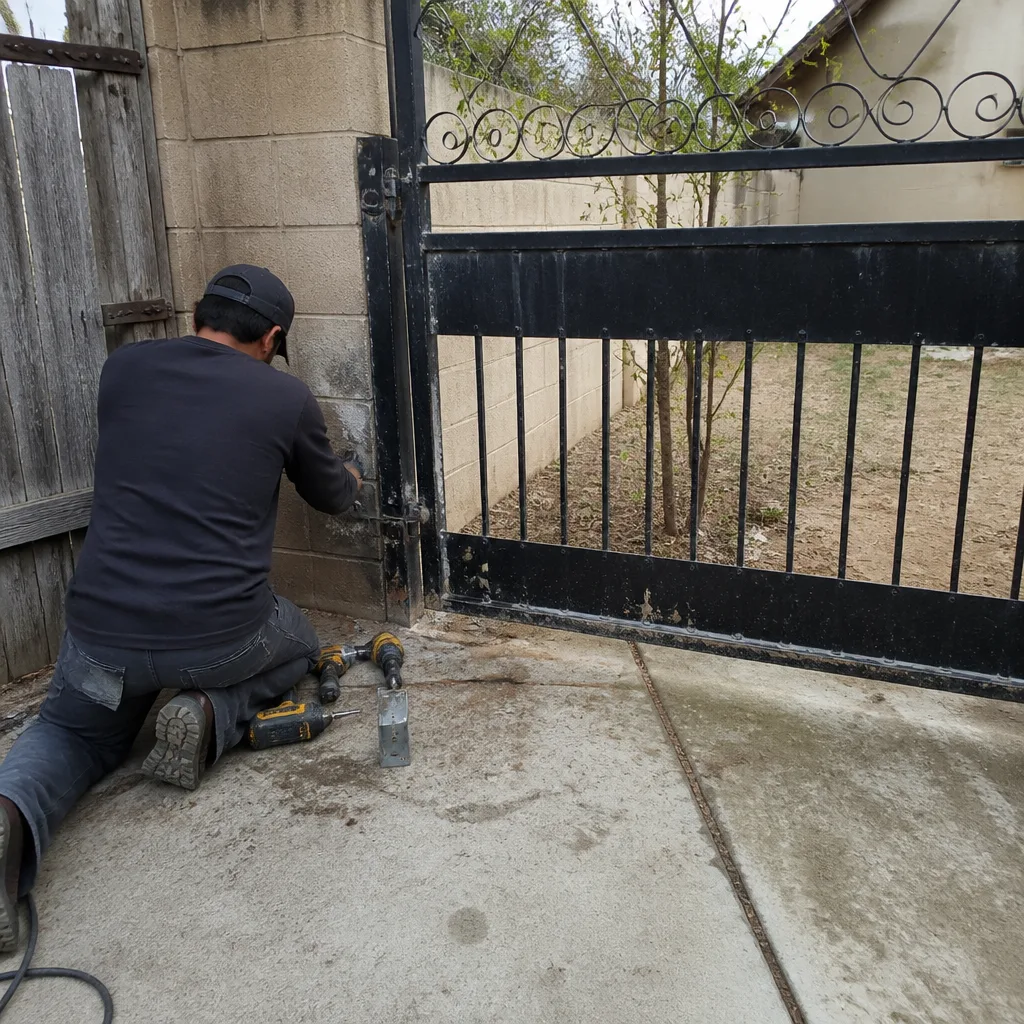 Before
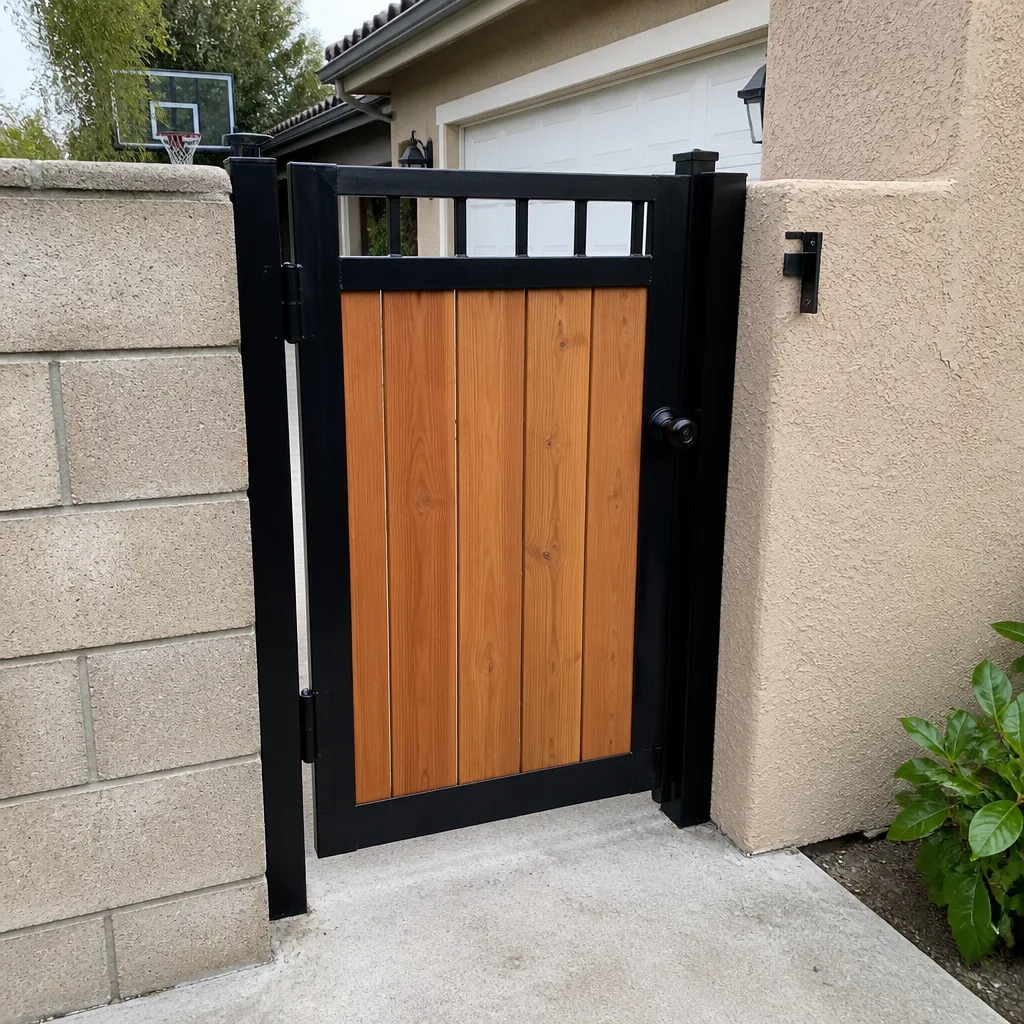 After
After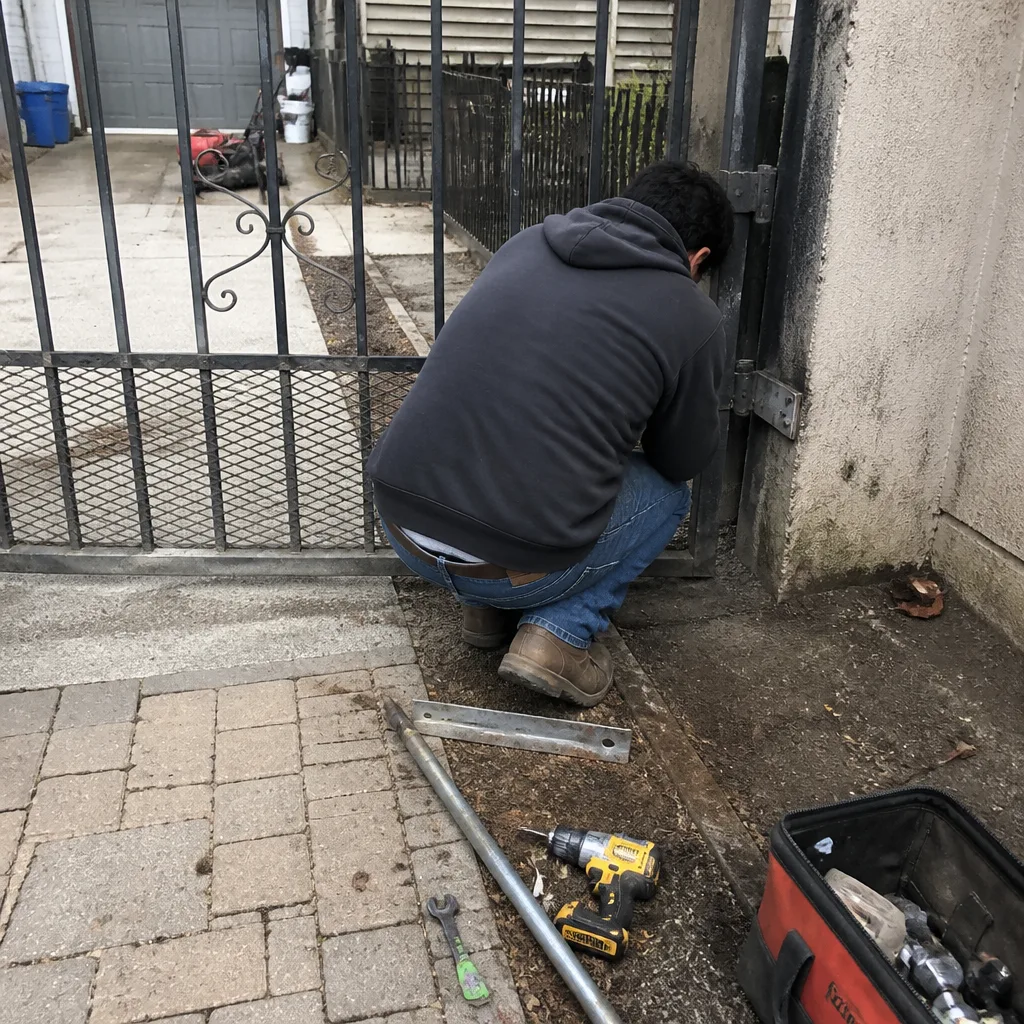 Before
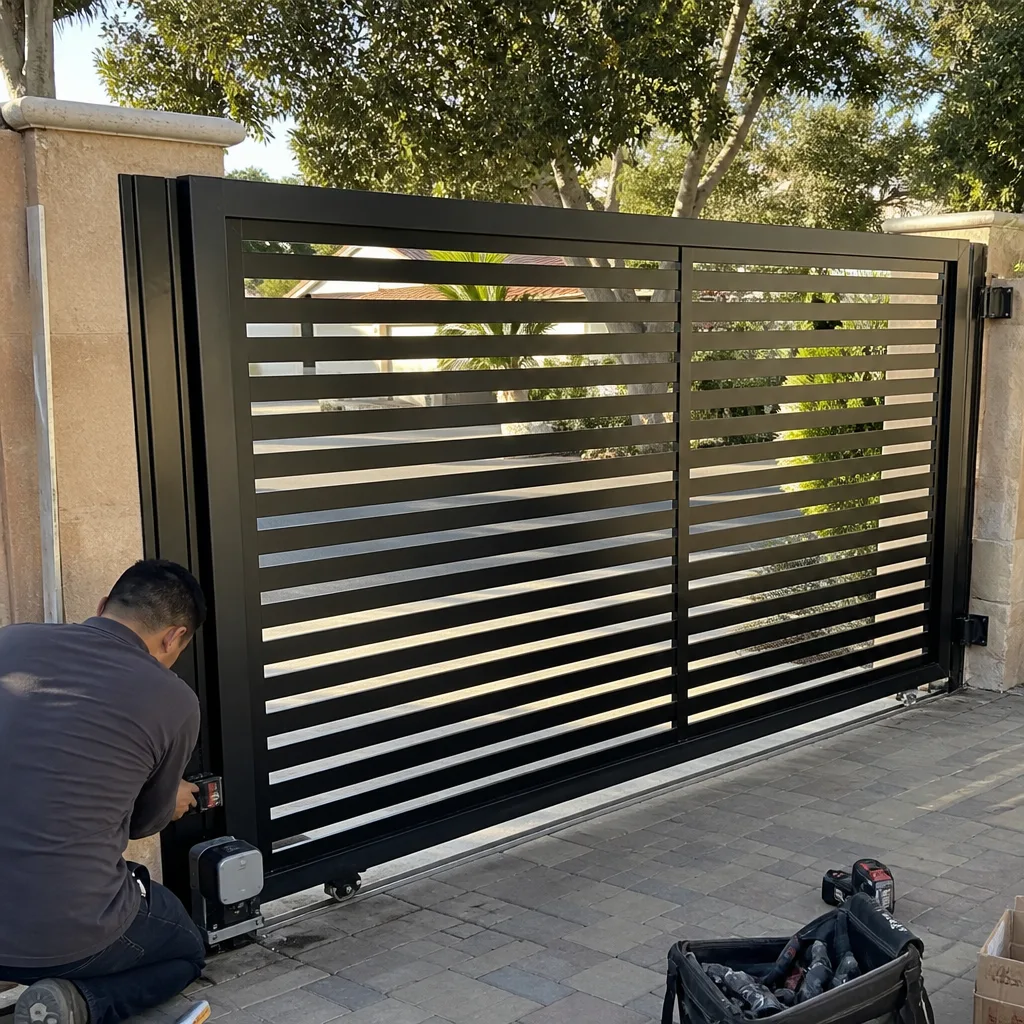 After
After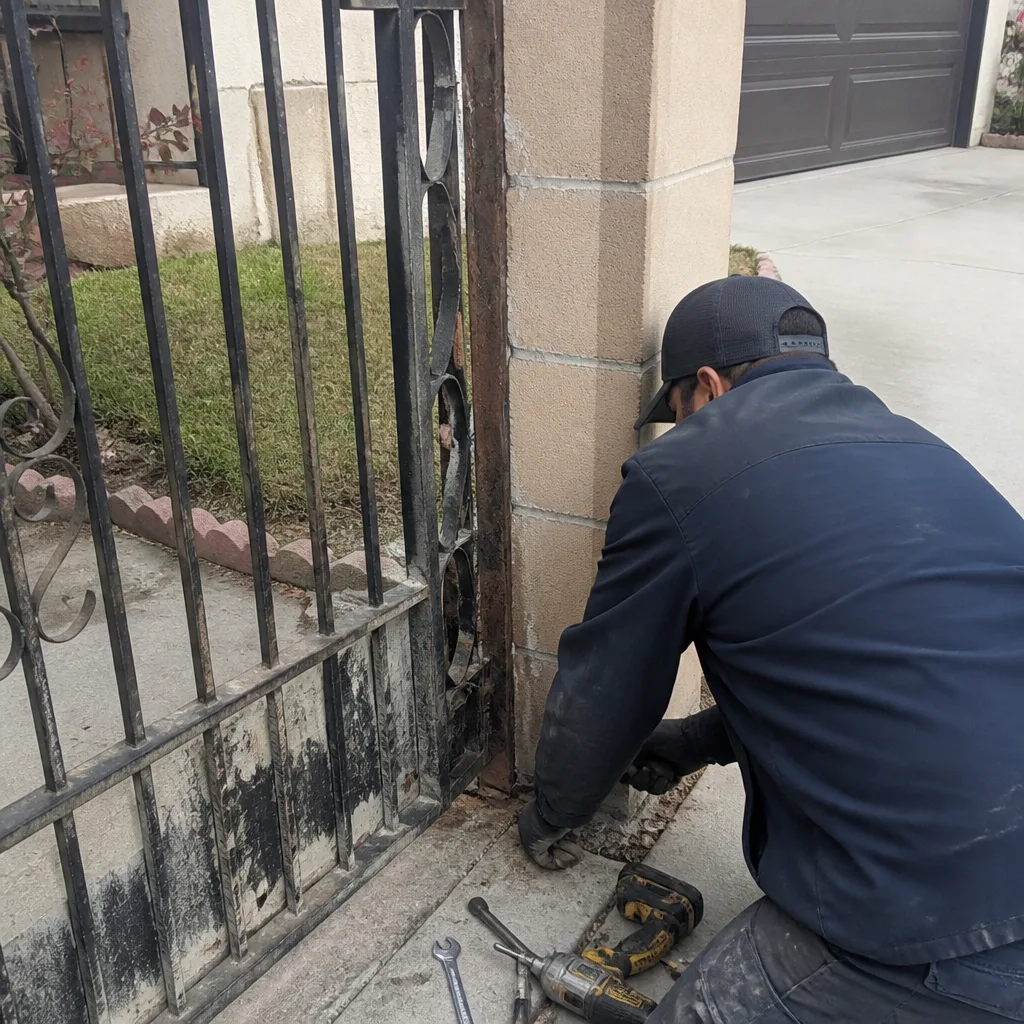 Before
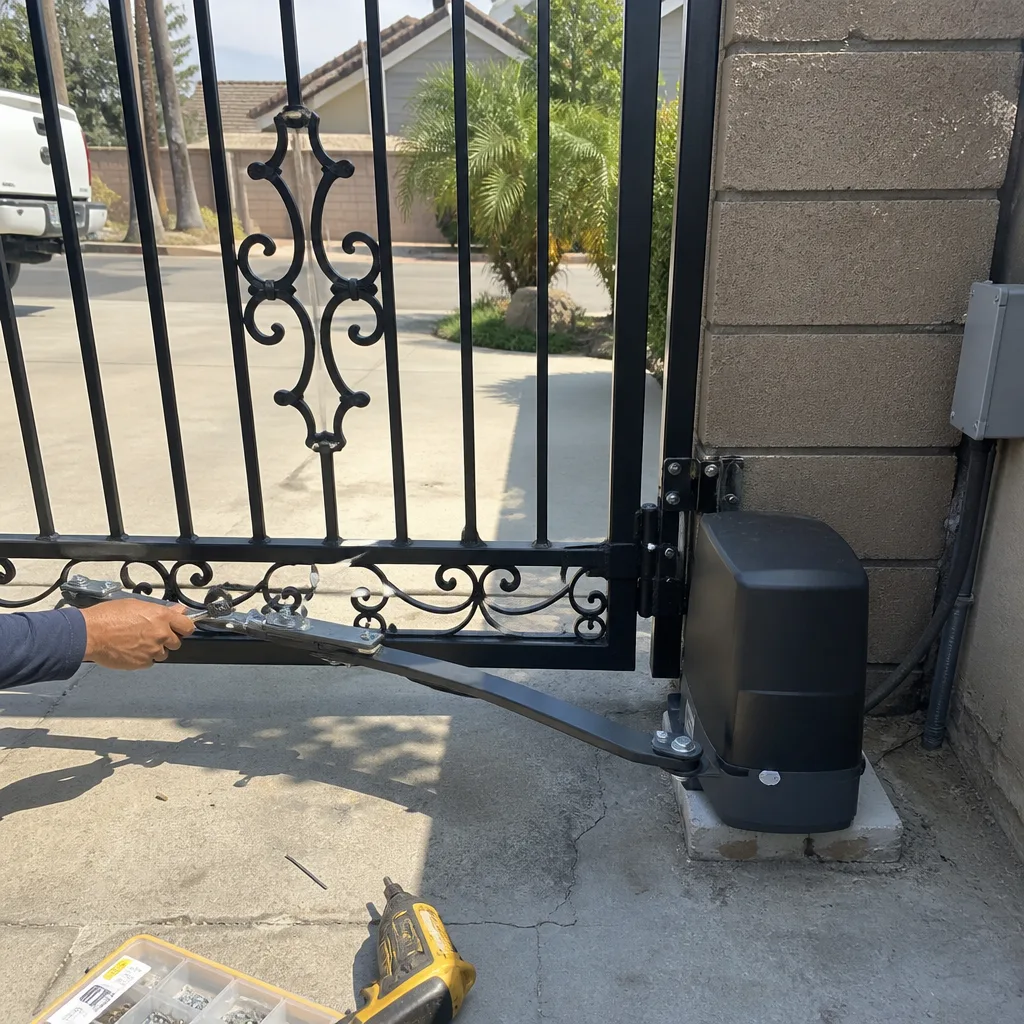 After
AfterFrequently Asked Questions
Most gate repairs don’t require a building permit because they’re classified as maintenance on an existing system. However, a new gate installation, a change from manual to automated operation, or significant electrical work associated with the gate may trigger permit requirements through the City of Ontario Building Department. When in doubt, confirm with the city or have a licensed contractor handle the work.
Gate repair costs in Ontario vary by the type of failure, but minor repairs like limit switch adjustments, remote replacement, and lubrication typically fall in the $150 to $300 range, while control board replacements and motor rebuilds run higher depending on the brand. For a detailed look at pricing, see our Gate Repair Cost Breakdown: The Ontario Homeowner’s Reference for 2026. Every repair we quote includes the price agreed before work starts, so you never get surprised by an invoice.
You can physically install a residential gate operator as a homeowner, but if the installation requires new electrical circuits or modifying an existing circuit, that electrical work requires a C-10 licensed contractor. Additionally, the completed installation must be UL 325 compliant, which requires proper entrapment protection, closing force testing, and warning signage placement.
A well-maintained residential gate operator in Ontario generally lasts 8 to 12 years, though Ontario’s hot summers and dusty conditions shorten that lifespan for operators that aren’t lubricated and serviced regularly. Commercial operators on high-cycle gates have longer-rated lifespans because they’re built for heavier duty, but they require more frequent maintenance on limit switches and drive components.
A gate that reverses during closing is usually responding to a blocked or misaligned photo-eye beam, a dirty safety edge, or dust on the sensor lenses. Start by cleaning the sensor lenses with a dry cloth and checking that the alignment light is solid. If the problem persists after cleaning, the safety circuit itself may have a wiring issue that needs professional diagnosis.
Yes, we service both residential and commercial gate systems across Ontario, including slide operators, swing operators, and access-control integrations. Our technicians are trained on nine major operator brands, including Elite and DoorKing commercial systems, which means we diagnose the equipment that a generalist would decline or outsource. Call (855) 707-3634 to schedule a service visit or get a free estimate.
The Bottom Line
The DIY-versus-professional decision for gate repair in Ontario isn’t a skill test. It’s a legal and practical boundary. Lubrication, remote programming, minor limit adjustments, and manual release operation are within any homeowner’s rights and abilities. Wiring, control boards, entrapment circuits, and operator motors are not. The tools, the code requirements, and the liability exposure all point to a licensed gate specialist when the electrical system is involved. The smartest Ontario homeowners we work with handle the simple stuff themselves and call us before a small mechanical problem becomes a control board casualty. For urgent situations, review our Gate Repair Emergency Preparedness Guide for Ontario Homes. That’s the line. Know where it sits, and you’ll spend less money over the life of your gate than either the pure DIYer or the call-for-everything homeowner.
Written by the team at Ontario Gate Company, serving Ontario since 2011. Explore more guides & resources from our team.