
Last updated October 30, 2026
 Wrought iron
 Wood & steel frame
 Farm & ranch
 Sliding driveway gates
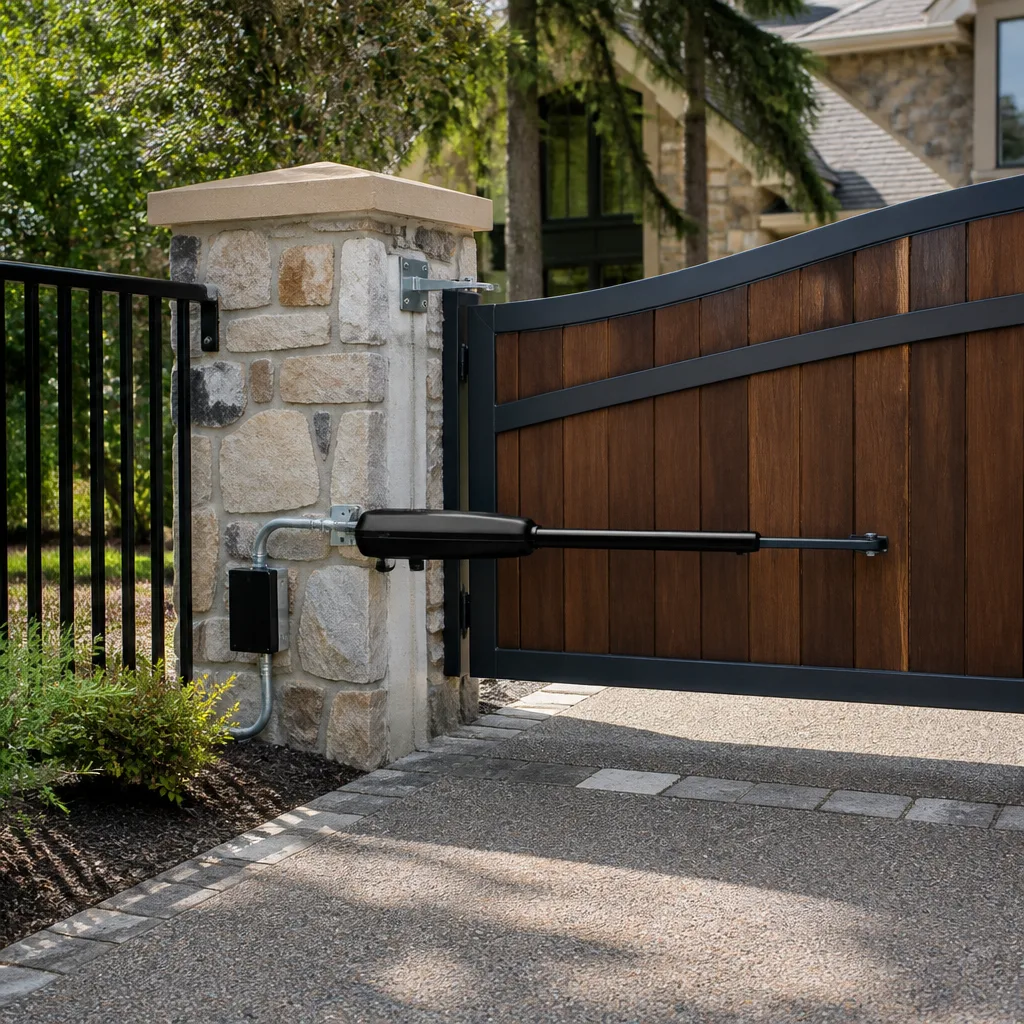 LiftMaster operators
Free on-site gate assessment - hinges, posts, and your LiftMaster or Nice gate operator checked before anything is quoted
The assessment is free and the quote is the invoice.
Get your free estimateGate Repair Troubleshooting: Common Problems and How to Fix Them
A gate that reverses before closing and a gate that won’t close at all share zero causes in common, but most troubleshooting guides treat them identically. That’s why homeowners in Ontario end up replacing parts they didn’t need to replace, or worse, masking a problem that comes back two weeks later. This guide gives you what generic checklists don’t: the actual decision tree a technician walks through on-site during our Gate Repair services. You’ll learn how to isolate whether the problem is mechanical, electrical, or in the control board, what the error codes on your operator actually mean, and when a DIY fix is quietly making things worse.
Styles & brands we work with
Quick Answer
Most gate failures fall into five categories: won’t open, won’t close, reverses mid-cycle, opens slowly, or beeps without moving. The fix depends entirely on which of those five you’re dealing with, because they each point to different systems inside your gate operator. Start by identifying your exact symptom, then work through the branching logic below before touching any parts. For Gate Repair Warning Signs: A Ontario Homeowner’s Reference Guide, see our dedicated resource. If the problem involves high-tension springs, loaded gate tracks, or anything connected to mains power, stop and call a gate specialist.
Table of Contents
- Symptom-to-Cause: The Decision Tree Technicians Actually Use
- Gate Won’t Open: The Five Causes in Order of Likelihood
- Gate Won’t Close: Why It’s Rarely What You Think
- Gate Reverses Mid-Cycle: The Photo-Eye Problem and Its Imposters
- Gate Opens Slowly: Mechanical Drag vs. Electrical Resistance
- Gate Beeps but Won’t Move: Reading the Error Codes
- When a DIY Fix Is Masking a Bigger Problem
- Common Mistakes to Avoid
- When to Call a Professional
- Frequently Asked Questions
Symptom-to-Cause: The Decision Tree Technicians Actually Use
Most gate troubleshooting guides fail because they list symptoms next to causes without explaining how a technician rules one out before moving to the next. That ordering matters. Swap the sequence and you’ll waste an afternoon replacing a perfectly good control board while the real culprit, a corroded limit switch, sits untouched. Here’s the branching logic we use on every call in Ontario, and what you can replicate at home with a multimeter and a visual inspection.
Every automatic gate has three systems that can fail: mechanical (the gate itself, hinges, wheels, track, chain), electrical (power supply, wiring, motor, capacitor), and control (the circuit board, safety sensors, remote receiver, limit switches). The first diagnostic step is always to identify which system your symptom points to, because that determines the next test.
Step 1: Classify the symptom
- Gate won’t open at all, no noise: Electrical or control issue. Power isn’t reaching the motor, or the board isn’t sending the command.
- Gate won’t open, but you hear humming or clicking: Mechanical or motor issue. Power is reaching the operator, but something is preventing movement.
- Gate won’t close, but opens fine: Almost always a safety sensor or limit switch issue. The board is receiving a signal that blocks closure.
- Gate reverses mid-cycle: Safety circuit being triggered mid-operation, or an intermittent obstruction signal.
- Gate opens slowly: Mechanical drag or a failing capacitor. Electrical resistance is possible but less common than you’d think.
- Gate beeps but doesn’t move: The board is alerting you to a lockout condition. The beep pattern or error code tells you which one.
Step 2: Test power first, always
On any symptom where the gate is completely unresponsive, check the obvious before opening the operator housing: is the breaker on, is the operator’s power switch on, and is there voltage at the outlet the operator plugs into? You’d be surprised how many Ontario service calls end at a tripped GFCI. If power is confirmed and the gate still doesn’t respond, you’re now looking at a control board or transformer issue, not a mechanical one.
Step 3: Isolate using the manual release
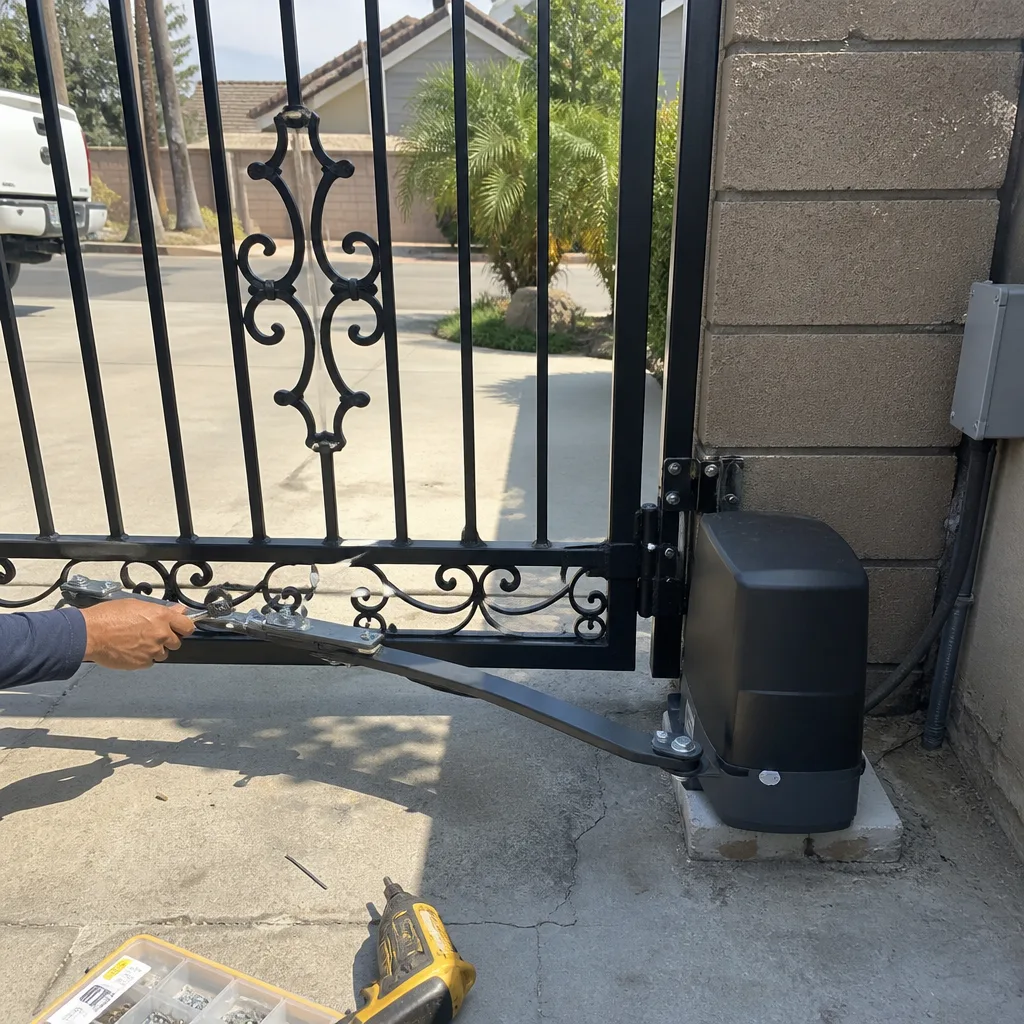
Every automatic gate operator has a manual release mechanism, usually a key, handle, or lever. Disengage it and try to move the gate by hand. If the gate moves freely with no resistance, the mechanical side is fine and the problem is in the operator or control system. If the gate is stiff, grinds, or won’t move, you’ve found a mechanical issue independent of the electronics. This single test splits the problem in half and saves enormous diagnostic time. We perform this exact check on every Gate Repair in Ontario call before touching any electrical component.
Gate Won’t Open: The Five Causes in Order of Likelihood
When a gate won’t open, the cause is almost always one of five things, and the order matters. We diagnose these on-site in Ontario every week, and the sequence below reflects what we actually find, not what the manual lists alphabetically.
- Power interruption. This is the most common cause and the easiest to confirm. A tripped breaker, a GFCI that tripped during rain, or an unplugged operator. Many Ontario homes have the gate operator on a shared circuit with landscape lighting, and when that circuit trips, the gate goes dead. Check this before anything else because it costs nothing and takes two minutes.
- Remote control failure. If the gate opens with the keypad or push-button but not the remote, the remote itself is the problem, not the gate. Dead battery, lost programming, or a remote that needs to be re-synced to the receiver. Replace the battery first. If it still doesn’t work, the remote may need reprogramming, which most operators handle through a learn button on the control board.
- Limit switch failure or misalignment. The limit switch tells the operator where the gate is in its travel. If it’s stuck, corroded, or knocked out of position, the board may think the gate is already open and refuse to run the motor. On LiftMaster operators, this often shows up as the gate moving an inch and stopping, or not moving at all with no error code.
- Capacitor failure. The start capacitor gives the motor the initial jolt it needs to get moving from a dead stop. When it fails, you’ll often hear a hum or click but the gate won’t move. On FAAC and BFT operators, which are common in Ontario commercial installations, capacitor failure is a frequent culprit on gates that are older than five years.
- Control board failure. This is the most expensive cause and also the least common, which is why it should be last on your list. Boards do fail, especially after power surges, but far too many homeowners replace a board only to find the real problem was a $30 limit switch. The board should be the diagnosis of exclusion, not the first assumption.
Here’s how to test the difference between a capacitor and a board issue without specialized tools: if the motor hums when you press the open button, power is reaching the motor but it can’t start, which points to the capacitor. If there’s no hum, no click, and no response from any input, the board may not be sending the command, which points to the board. Either way, the capacitor is the cheaper guess to make first, but both are worth confirming before spending money. Our Electric Gate Repair in Ontario service handles both diagnosis and replacement for every brand we stock.
Gate Won’t Close: Why It’s Rarely What You Think
A gate that opens fine but refuses to close is sending you a specific message: the control board is receiving input that says closure is unsafe. The board isn’t broken. It’s doing exactly what it was designed to do. Your job is to figure out which safety input is being triggered and why. In Ontario, where dust, wind, and sun exposure are constant factors on gate hardware, the answer is usually one of these three things.
Photo-eye misalignment or obstruction
The photo-eye, also called a safety sensor or photocell, sits on either side of the gate opening at about ankle height. It shoots an invisible infrared beam across the opening. If the beam is broken, the board interprets that as an obstruction and refuses to close. This is the single most misdiagnosed gate problem we see. Homeowners replace remotes, call electricians, and swap out boards when the real issue is that the photo-eye got bumped by a weed trimmer or the mounting post shifted half an inch. The fix is often just realignment: loosen the mount, aim one eye directly at the other, and watch for the little indicator light to turn solid. If it’s blinking, it’s not aligned. Simple, but it escapes most people because the gate still opens fine, which makes the problem look specific and mysterious when it isn’t.
Limit switch stuck in the closed position
If the board thinks the gate is already fully closed, it won’t run the close cycle. This happens when a mechanical limit switch is jammed with debris, or when the switch’s internal contacts have welded shut from arcing. On Linear and LiftMaster swing gate operators, this shows up as a gate that opens normally but does absolutely nothing when you press close. No hum, no attempt, no movement. Testing it requires a multimeter at the switch terminals, but if the gate opens without issue and the photo-eyes are aligned, this is the next thing to suspect.
Loop detector signal
On commercial and some residential gates, a loop detector buried in the driveway senses when a vehicle is present and holds the gate open. If the loop detector fails in the “detected” state, the gate will never close because it thinks a car is parked over the loop. This is common after heavy rain in Ontario, when a cracked loop wire introduces enough ground moisture to false-trigger the system. If your gate stays open, resetting the operator doesn’t help, and there’s no obstruction visible, the loop detector is a strong suspect. That’s a diagnosis best left to a technician, but knowing it exists saves you from replacing parts that are perfectly fine.
Gate Reverses Mid-Cycle: The Photo-Eye Problem and Its Imposters
A gate that reverses before reaching the close limit is triggering the safety circuit, and that circuit exists for exactly one reason: to prevent the gate from crushing a person, pet, or vehicle. When it trips, the board defaults to reversing, which is the safe behavior. The problem is that the circuit can trip for reasons that have nothing to do with an actual obstruction. Here are the three conditions that look exactly like a photo-eye obstruction but aren’t, plus the real one.
- Low or fluctuating voltage. If the operator’s power supply dips below the board’s minimum voltage threshold, the board can interpret the fluctuation as a safety event and reverse the gate. In Ontario, where older neighborhoods sometimes have undersized breakers or long wire runs from the house to the gate, this is more common than homeowners expect. A multimeter at the board’s power terminals will reveal this in seconds, and the fix is usually an electrician tightening connections or upgrading the circuit, not a new board.
- A failing photo-eye, not a misaligned one. Photo-eyes degrade over time. The IR emitter weakens, the lens clouds over from UV exposure, or the internal wiring corrodes. An eye that’s on its way out can still produce a beam, but it flickers, and the board sees that flicker as an obstruction that appears and disappears mid-cycle. Alignment won’t fix a dying eye. Replacement is the only real solution, and the eyes are sold in pairs because installing one old and one new creates a mismatch.
- Mechanical binding at a specific point in the travel. If the gate’s track or hinges have a tight spot, the gate will slow dramatically at that point. The board’s built-in obstruction detection measures motor current, and when the current spikes, it assumes the gate hit something and reverses. This is a mechanical problem masquerading as a safety problem. The fix is finding and repairing the bind: a bent wheel, a misaligned track, a hinge that’s seized. On sliding gates in Ontario’s dust-prone conditions, track rollers are a regular wear item, and that flat spot on the wheel is exactly the kind of thing that creates a phantom reversal.
The actual obstruction case is straightforward: something really is in the gate’s path. What’s less straightforward is that the obstruction may be intermittent. A branch that swings into the beam when the wind blows, a car parked slightly too close to the swing path, a child’s toy that rolled under the photo-eye. These are real obstructions, not phantom ones, and the gate is right to refuse to close. The diagnostic rule is this: if the reverse happens at a different point in the travel each time, suspect an environmental trigger. If it happens at the exact same point every time, suspect mechanical binding or a specific point in the motor’s rotation. That distinction alone saves hours of guesswork.
Gate Opens Slowly: Mechanical Drag vs. Electrical Resistance
A gate that opens at half its normal speed is telling you something specific, and the two possible causes require completely different fixes. In Ontario’s climate, where temperature swings and dust are constant, one of these causes is dramatically more common than the other.
Mechanical drag is the usual culprit. The gate’s rollers, hinges, or track accumulate dirt, lose lubrication, or wear out, and every bit of that friction fights the motor. The motor compensates for a while, then starts to lag. On sliding gates, the V-track and wheels are the first place to look. In Ontario, the fine dust that settles on everything eventually turns the grease in those bearings into a grinding paste. On swing gates, the hinges and the operator’s internal gearbox are the wear points. A quick test: disengage the manual release and push the gate by hand. If it moves freely, the drag is inside the operator. If it’s stiff, the drag is in the gate itself, and that’s a mechanical repair.
Electrical resistance is the less common cause, but it happens. A failing capacitor delivers less starting torque, which makes the gate sluggish off the line and slow through the entire travel. On BFT and FAAC operators, which use capacitors heavily, this is a known failure mode as the units age. A dropping resistor in the motor circuit can have the same effect. The way to tell the difference is to listen: a gate slowed by mechanical drag usually still sounds normal, just strained, while a gate slowed by electrical resistance often sounds labored and wrong, like the motor is working against itself.
Either way, slow operation is a symptom you shouldn’t ignore. A gate that struggles is a gate that’s wearing out faster than it should, and the marginal cost of fixing it early is a fraction of the cost of replacing a burned-out motor later. If the manual-release test is inconclusive, bring in someone who works on gates exclusively. Our technicians diagnose mechanical versus electrical causes on-site every day as part of our gate repair service in Ontario, and the distinction determines everything about the fix.
Gate Beeps but Won’t Move: Reading the Error Codes
When your gate operator beeps and refuses to move, it’s not random. The beep pattern is a code, and if you know how to read it, you’ll know exactly what the board is trying to tell you. Different brands use different sequences, but the logic is universal: the board has detected a condition that prevents safe or correct operation, and it’s announcing that condition rather than running the motor. Here’s what the codes actually mean on the two most common residential brands in Ontario.
LiftMaster error codes in plain language
On LiftMaster operators, the beeps are usually accompanied by a flashing light on the control board or the wall console. A single beep that repeats every few seconds typically means the photo-eye circuit is blocked or misaligned, the board sees an obstruction, and it’s holding the gate open. Two beeps in quick succession usually point to a force setting issue: the gate hit something during the last cycle, the board recorded it, and it’s locked out until the obstruction is cleared and the setting is re-learned. Three beeps often indicate a limit switch fault, the board can’t confirm where the gate is, and it refuses to run until the limit is reset. The fix for each is different, and only the photo-eye reset is truly homeowner-friendly. If you’re getting two or three beeps on a LiftMaster, the board is doing its job, but the underlying mechanical or electrical condition needs attention.
Mighty Mule error codes in plain language
Mighty Mule uses a similar language, but with its own dialect. A continuous tone while pressing the button usually indicates the operator is in a lockout state, often triggered by an obstacle detection event or a power interruption while the gate was mid-travel. Mighty Mule boards also signal low battery conditions on solar-powered models with a specific repeating chirp, and in Ontario, where many homeowners run Mighty Mule operators on solar, that low-battery chirp is one of the most common calls we take. The board is telling you the battery can’t hold enough charge to complete a full cycle, and the fix is a new battery, not a new operator. However, if the battery is fine and the chirp continues, the next suspect is the control board itself.
Both brands, and the others we service including Linear, have one thing in common: the beep is a signal, not a death sentence. The board is protecting itself and the gate from damage by refusing to run. Clearing the code without fixing the underlying condition just means the same beep comes back, usually at the worst possible time. If you’ve reset the breaker, realigned the photo-eyes, and the beep persists, the board is telling you something you haven’t found yet. That’s the point where a specialist diagnosis pays for itself.
When a DIY Fix Is Masking a Bigger Problem
There’s a category of gate repair that feels successful in the moment but sets up a worse failure later. We see it often enough in Ontario to call it what it is: masking. The gate starts working again, the homeowner feels like they solved it, and then a month later the same symptom returns, usually worse and sometimes with damage attached. Here are the warning signs that your successful fix is actually a temporary patch over a failing component.
- You reset the breaker or the operator, and the gate worked for a few days before tripping again. This means the underlying condition is still there. Something is drawing excessive current, whether it’s a failing capacitor, a motor that’s on its way out, or a dragging mechanical component. Each reset stresses the components a little more. The real problem isn’t the trip; it’s what’s causing the trip.
- You realigned the photo-eyes, and the gate closed, but only after you pushed the eye slightly further into position than it wanted to sit. The mount is compromised. The post is shifting, the bracket is bent, or the concrete is moving. If the eye won’t hold alignment on its own, it will drift out of alignment again, and next time it’ll happen while a car is halfway through the gate.
- You cleared the obstruction that was blocking the gate, and it worked, but you had to clear the same obstruction twice in two weeks. The obstruction isn’t the problem; the gate’s path is. Whether it’s a fence post that’s leaned into the swing path, a gate leaf that’s sagged, or a track that’s shifted, the gate no longer travels where it’s supposed to travel. Fixing the path is the real repair; clearing the obstacle is a band-aid.
- The gate started working after you gave it a push while pressing the button. That’s the telltale sign of a failing start capacitor. You’re not fixing it; you’re giving the motor the kick it no longer gets from its capacitor. It’ll work for a while, then it’ll get worse, and then the motor will follow the capacitor into failure because it’s been running under stress the whole time.
The test for whether a fix is real or masking is simple: does the fix address the condition that caused the symptom, or does it clear the symptom so the condition can wait? If you’re not sure which you did, that’s exactly the situation where an on-site diagnosis from someone who works on gates every day saves money. We’ve replaced far too many motors in Ontario that were killed by a capacitor that should have been replaced six months earlier, and every one of those failures started with a homeowner who thought the problem was solved. Browse more guides & resources to avoid common mistakes.
Common Mistakes to Avoid
- Replacing the battery in the remote without checking if the keypad still works. If the keypad opens the gate and the remote doesn’t, the problem is the remote, not the operator. If neither works, the problem is upstream of both. Most homeowners skip this test and buy a new remote for a gate that was never receiving the signal in the first place.
- Assuming a circuit board is bad because the gate doesn’t respond. Circuit boards do fail, but they’re also the most expensive component to replace, which means they should be the last thing you condemn. We replace boards in Ontario that have already been replaced by homeowners who guessed wrong, and the original board was fine.
- Ignoring a gate that’s getting gradually slower. Gates don’t slow down without a reason, and the reason doesn’t get better with time. A slow gate is a gate that’s wearing out, and every week of normal use while it’s slow is a week of accelerated wear on the motor and gearbox.
- Greasing the track on a sliding gate. Sliding gate tracks and V-wheels are designed to run dry. Grease attracts dust, and in Ontario’s dry conditions, that dust turns into an abrasive paste that grinds the wheels down faster than running them dry ever would. This is the single most common self-inflicted gate problem we see.
- Clearing an error code without fixing what set it. The code is a message from the board. Clearing it is like silencing an alarm clock and going back to sleep. The condition is still there, and the next time it wakes up, it might be with a locked-out gate and a car stuck inside.
- Replacing one component at a time without a diagnosis. The “swap parts until it works” approach is expensive and frustrating. Every part you replace without confirming it was bad is money spent on a guess. The decision tree in this guide exists to help you avoid exactly that, but if you find yourself reaching for a third replacement part, it’s time to stop and get a proper diagnosis.
When to Call a Professional
Some gate problems are genuinely safe to fix at home, and some are not. The line between them is clear. If the issue involves mains electrical connections, high-tension springs on a swing gate, a loaded track on a sliding gate, or a control board that’s showing signs of heat damage, stop and call a specialist. These systems store energy, and a gate that releases that energy unexpectedly can cause serious injury or property damage. The same goes for any gate where the problem is intermittent: you can’t fix what you can’t reproduce, and a technician who sees gates fail every day will recognize the pattern faster than you can wait for it to happen again. Ontario Gate Company offers free estimates in Ontario, and our entire focus is gates: nothing else. If you’ve worked through this guide and the gate still isn’t back in operation, call (855) 707-3634 and we’ll diagnose it on-site. We fix gates from LiftMaster, FAAC, BFT, and Linear, and we stock parts for all of them so the fix doesn’t wait on a shipment.
Frequently Asked Questions
Gate repair pricing in Ontario depends on which system failed and what parts are needed, but the most common fixes, photo-eye realignment and limit switch adjustment, are service-call-level repairs, not major replacements. Motor and control board replacements cost more because the parts themselves carry the cost. Every repair we quote is priced and agreed before any work starts, and the estimate is free. Call (855) 707-3634 for an exact number on your gate.
Yes. We service LiftMaster operators regularly across Ontario, and our technicians are trained on LiftMaster’s residential and commercial lines. Whether it’s a swinging gate with a LiftMaster actuator or a sliding gate with a LiftMaster operator, the diagnosis starts with the same decision tree in this guide, and the repair uses LiftMaster-spec parts. Most LiftMaster repairs are completed in a single visit.
That pattern means the operator, safety sensors, and limit switches are all working, and the problem is isolated to the remote or the receiver. Start by changing the remote battery. If that doesn’t solve it, you may need to reprogram the remote to the operator, which is usually done through a learn button on the control board. If reprogramming doesn’t take, the remote itself may have failed, and a new one is the answer.
A gate that reverses near the end of its close cycle is usually hitting an obstruction in its path or triggering the obstruction detection system. The two most common causes are a misaligned photo-eye and mechanical binding at a specific point in the track. If it reverses at the same spot every time, it’s mechanical. If it reverses at random spots, it’s the photo-eye or an intermittent obstruction. Both are fixable, but they require different repairs.
Yes. Most of the gates we repair in Ontario were installed by someone else, whether that’s the original builder, a fence company that did gates on the side, or a previous homeowner’s contractor. We service operators regardless of who installed them, and we stock parts for LiftMaster, FAAC, BFT, and Linear so we can repair what’s there rather than telling you to replace a system that’s still worth fixing.
Many repairs are completed on the first visit because we diagnose on-site and our trucks are stocked with the parts for the brands we service. If your gate is stuck open and your home is unsecured, tell us when you call. We prioritize those situations. The fastest way to get a specific answer for your gate is to call (855) 707-3634, describe what you’re seeing, and get an honest assessment of what it’ll take.
The Bottom Line
Gate troubleshooting works when you follow the branching logic: classify the symptom, test power, isolate mechanical from electrical using the manual release, and then dig into the specific system that’s implicated. A gate that won’t open and a gate that won’t close are different problems with different causes, and treating them as the same thing wastes time and money. If the fix is a photo-eye realignment or a remote battery, great, you’re done. If the gate beeps a code you don’t recognize, reverses at random, or has been getting slower for months, get an on-site diagnosis from someone who works on gates exclusively. Ontario Gate Company offers free estimates in Ontario. Call (855) 707-3634 and we’ll tell you exactly what’s wrong and what it costs before any work starts. We also handle Gate Installation in Ontario when a system is beyond repair, and we’re the team behind the Ontario Gate Company home service area across the region.
Written by the team at Ontario Gate Company, serving Ontario since 2011.
See the difference
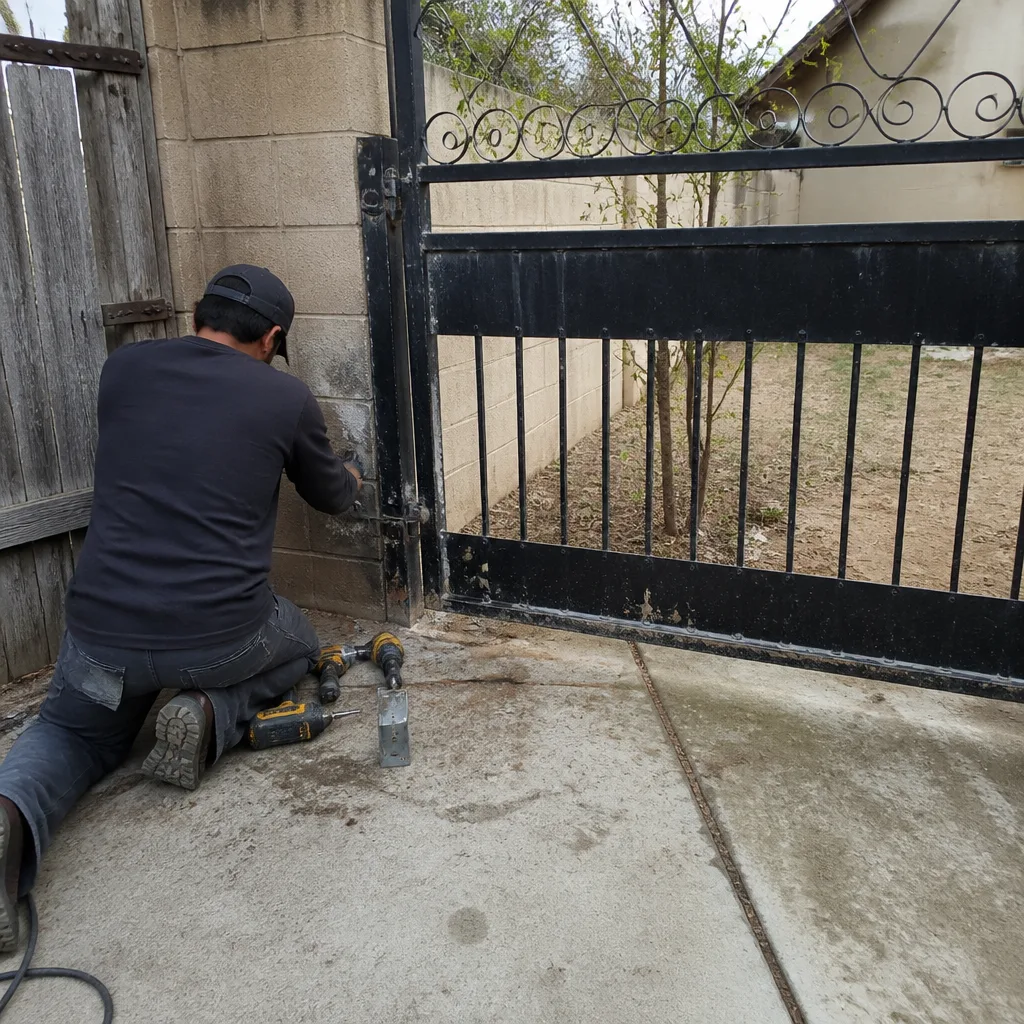 Before
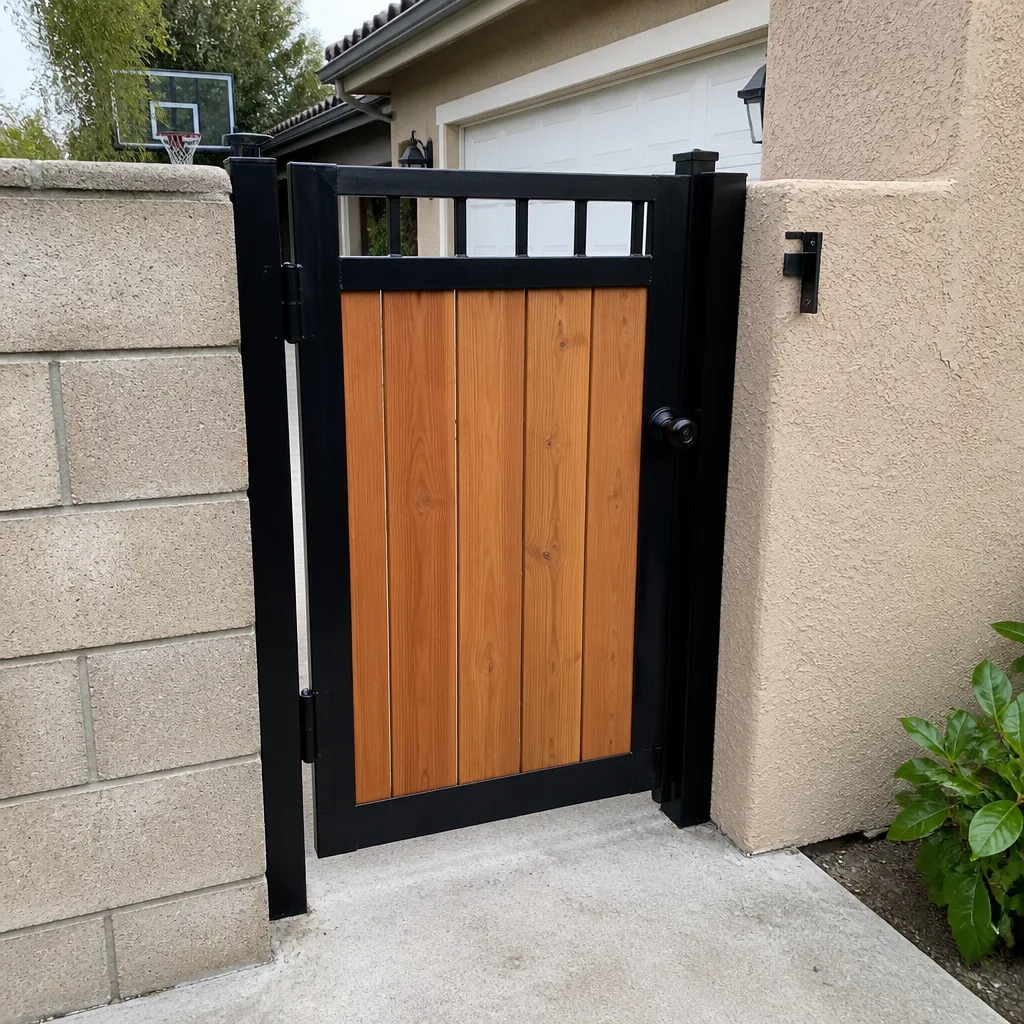 After
After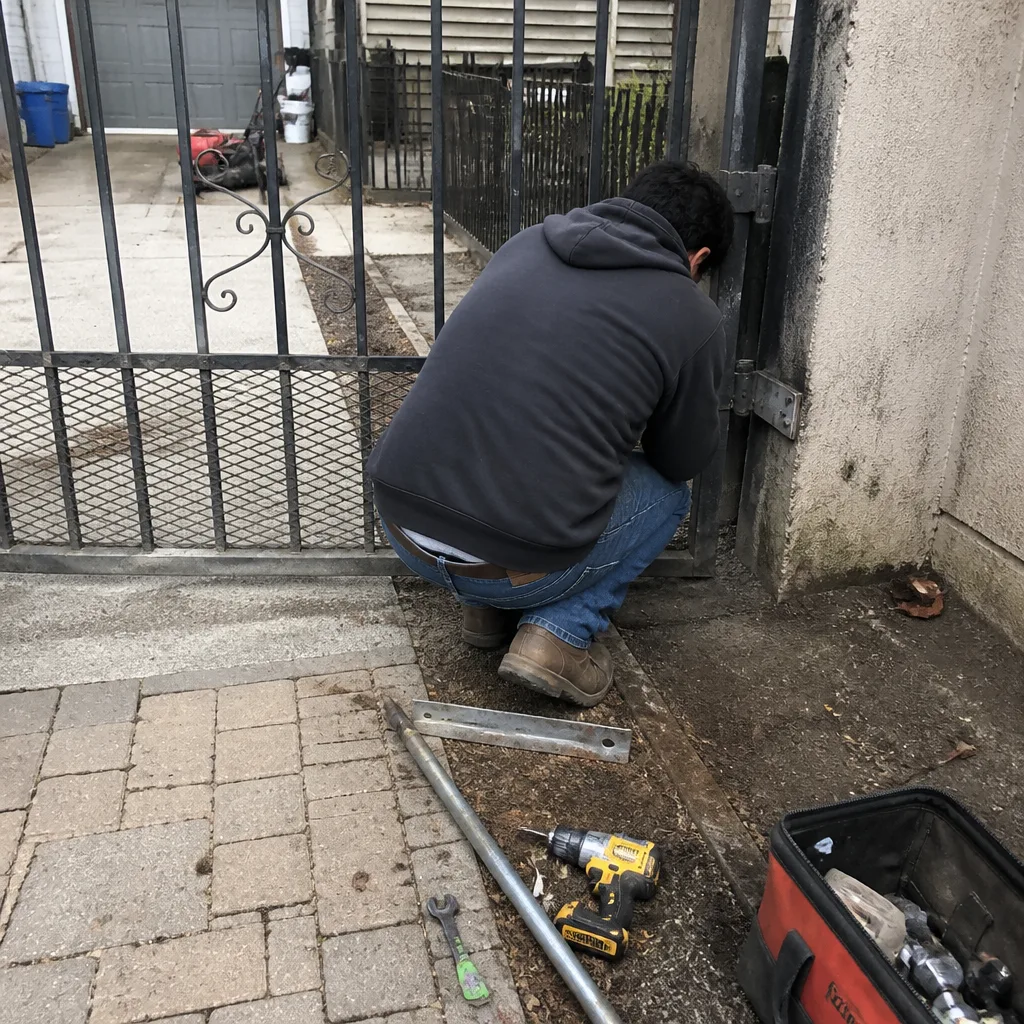 Before
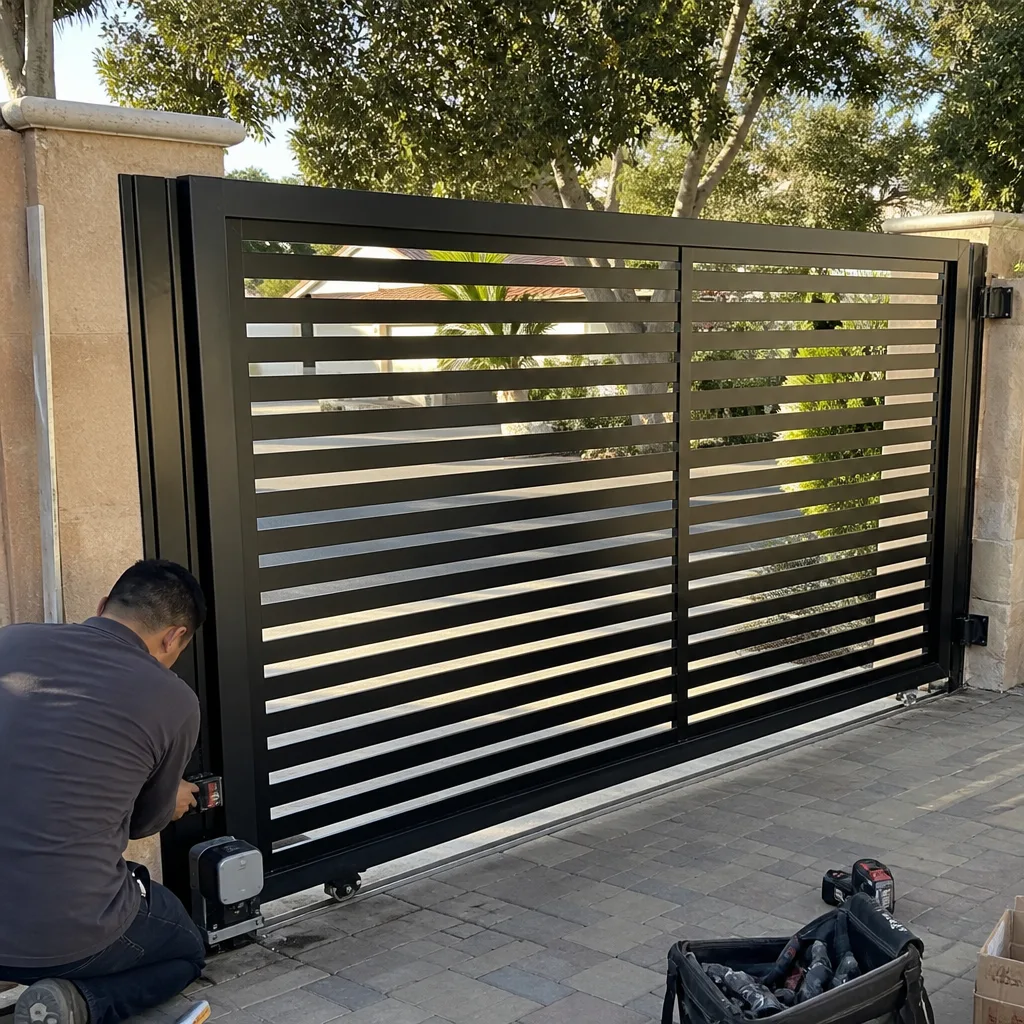 After
After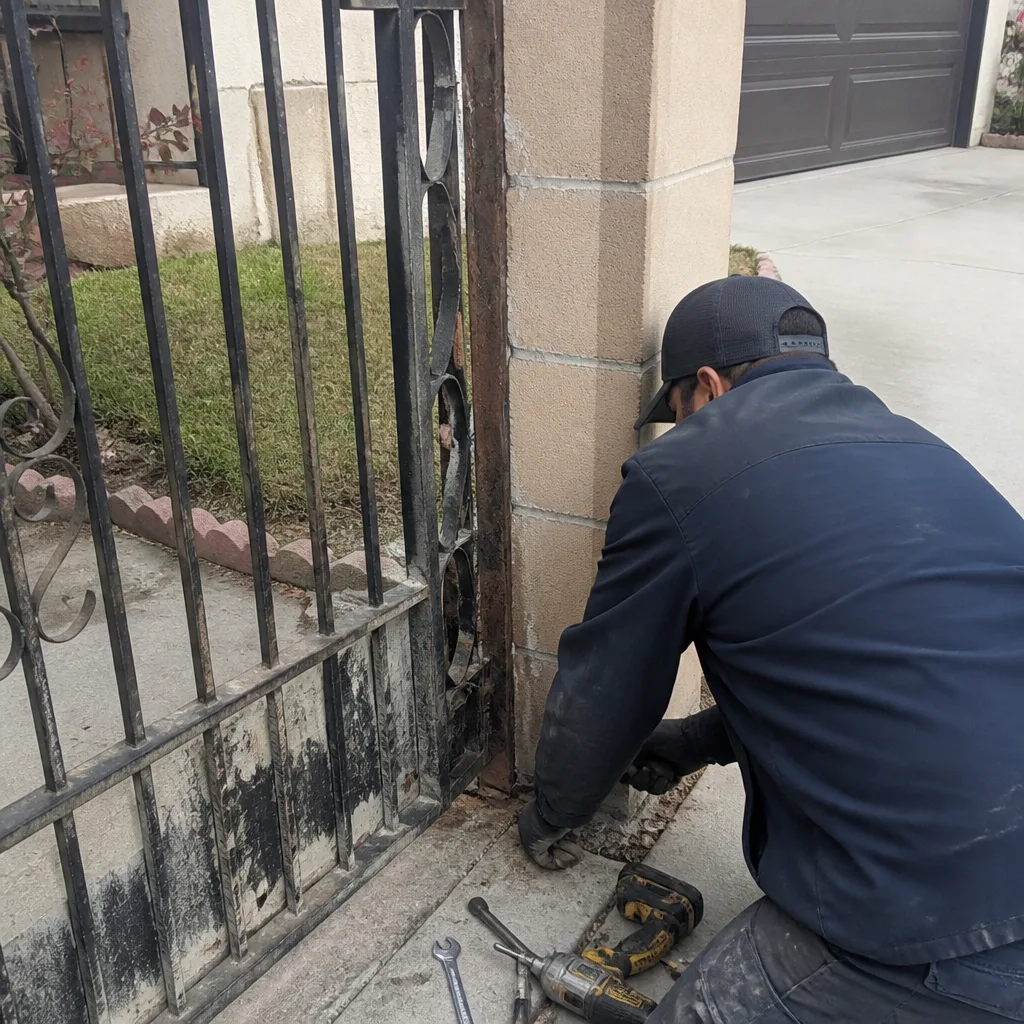 Before
 After
After